Format comment
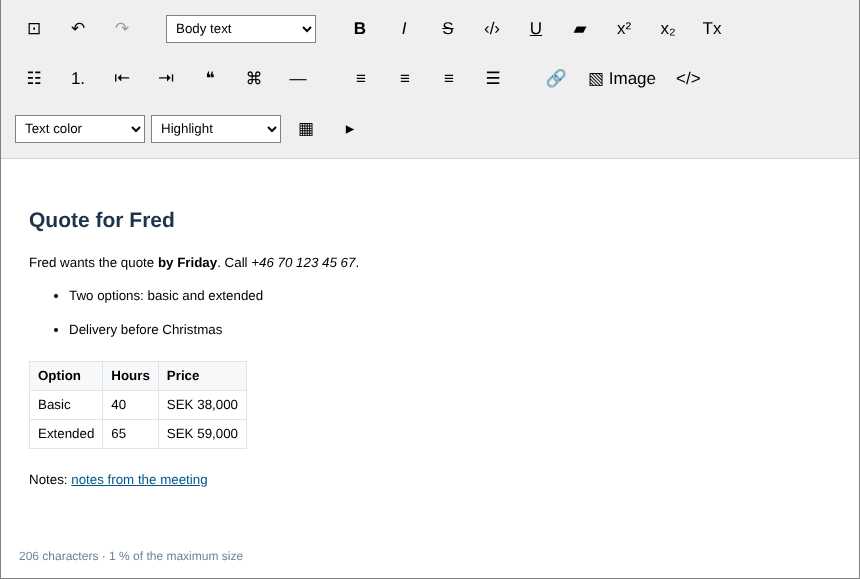
Format the comment with headings, lists, tables, links and images. Paste from the web and keep the formatting.
Your comment can look really good. The editor has headings, bold and italic, bullet and numbered lists, quotes, tables and links. When you paste text from a web page or a document, headings, lists, links and tables are kept.
Paste images
A picture says more than a thousand words. Paste a screenshot of a workflow, a photo of the whiteboard after the meeting or the recipe you want to keep. Images can be PNG, JPEG, WebP or GIF and at most 512 kB each.
Write full screen
Need more room? Click Maximize editor and the comment fills the screen. Minimize editor takes you back.
Tip! Use the comment as a notepad for the list: put the comment on the list instead of on a task, and you have the meeting notes or the project description where the list is.