

Log
Under every list, context and tag you see what has been completed there. A quick basis for your status report.
Sometimes it is not enough to keep track of what you will do; you also need to know what you have done.
Completed in every list, context and tag
The Inbox and every list, context and tag have a Completed section below the open rows. It shows the most recently completed, and Load more fetches more.
To see everything you have done, whatever the list, open the Completed overview.
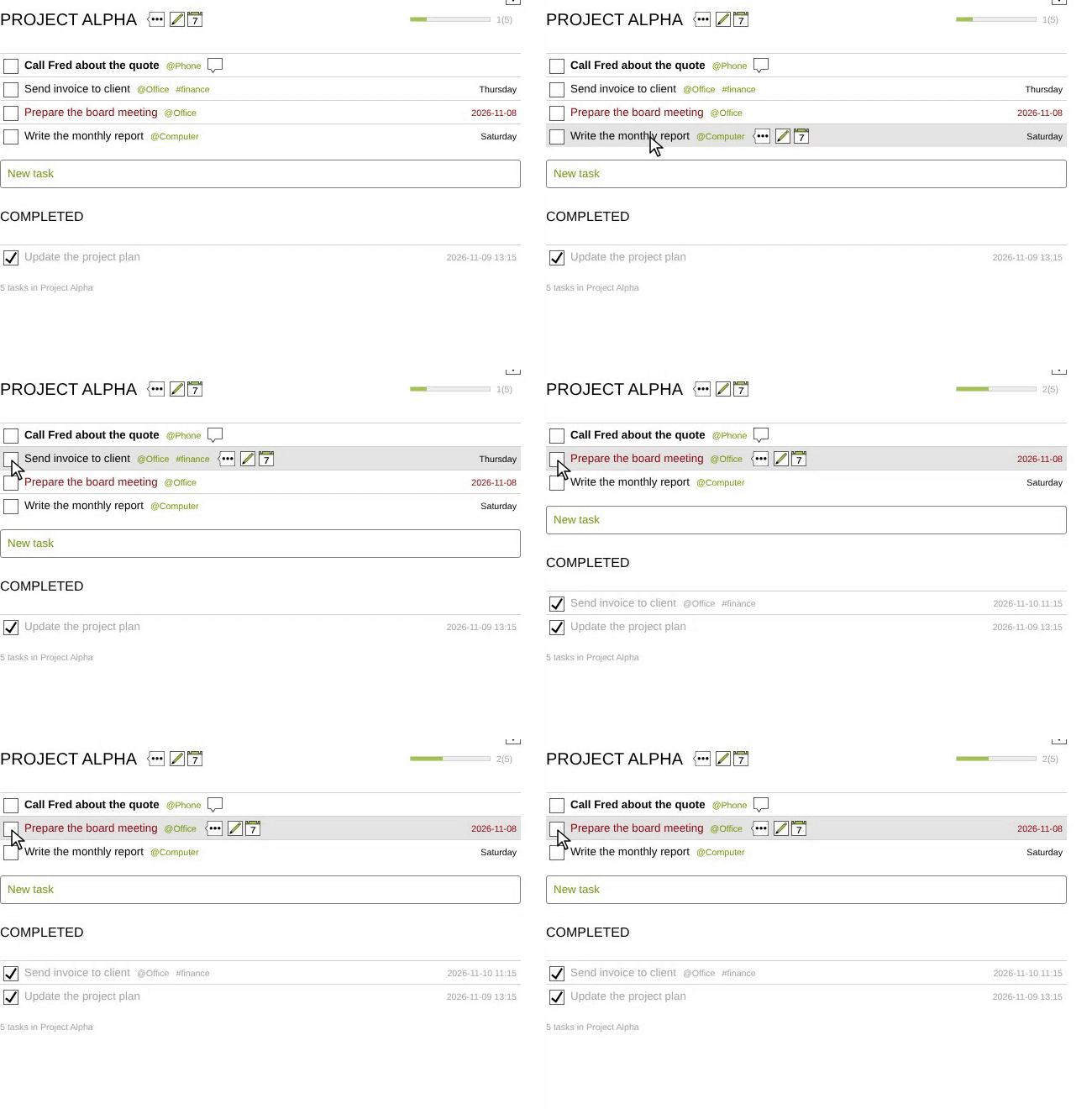
Example: the weekly report in five minutes
Look at what is completed in your work list and you see what you did this week. If you only want certain tasks in the report, tag them "Weekly report" when you write them down. The tag then shows both what is done and what is left, and Email the view sends it to yourself.