

Guide to SaveYourDay
Get more done with less friction.
Learn to collect your tasks, find the right focus and get more out of your lists – on your computer and your phone.
Start with the quick guide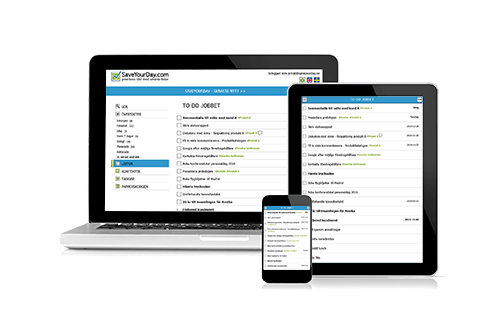
What do you want to get started with?
Create your first list
Collect your tasks and bring order to what you want to do.
Read about listsFind your focus
See what matters today with the overviews.
Discover the overviewsTake your lists with you
Use SaveYourDay on your computer and your phone.
How it worksA tour of the features
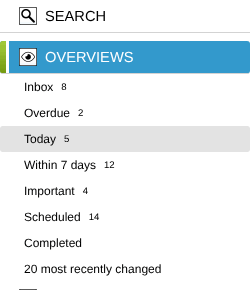 Get an overviewThe overviews collect tasks from all lists, such as today's list, what is late and everything you have planned.
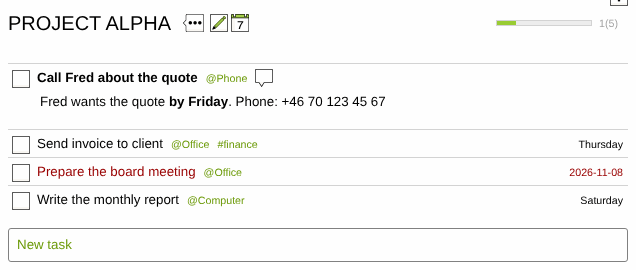
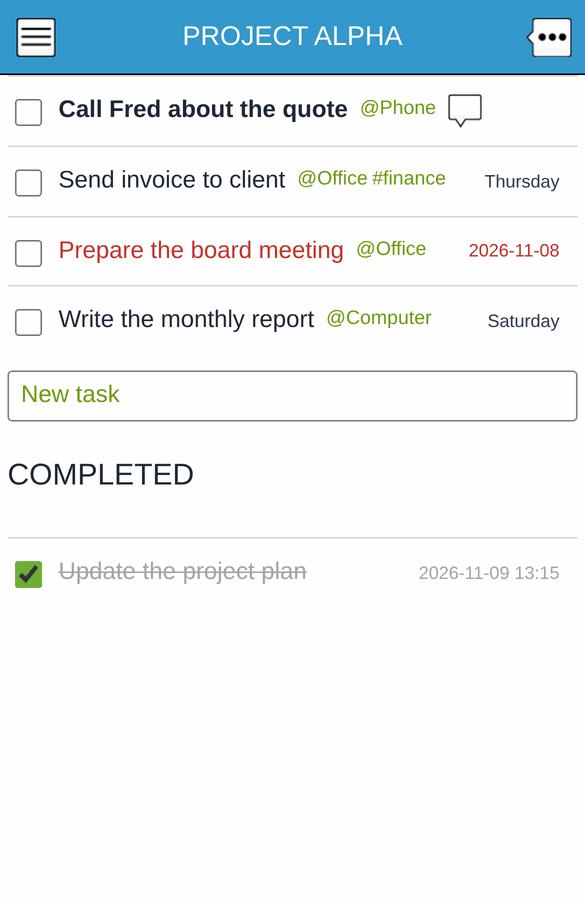
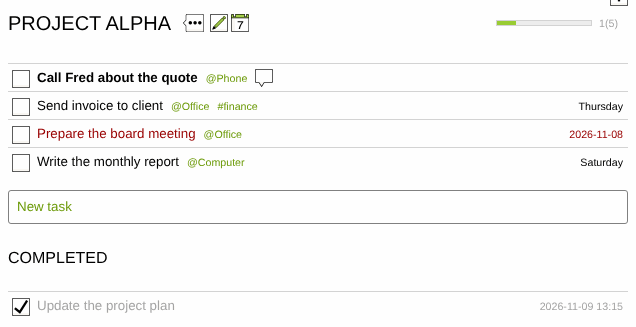 Help to prioritiseSmart formatting shows a task by its properties. Important stands out, late turns red and what starts later is light grey.
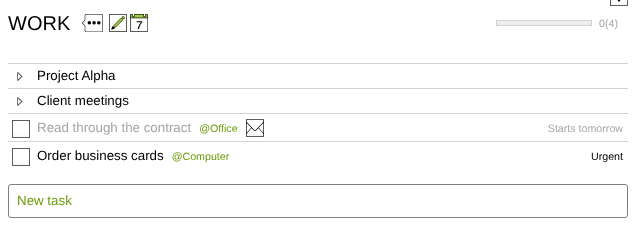 Lists in listsGroup your tasks in lists and sublists in as many levels as you like, and sort them in the order they should be done.
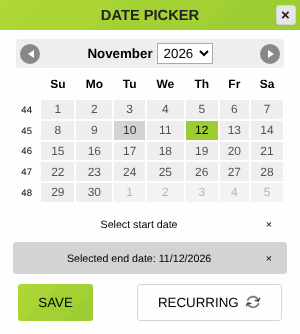 Start dateSet when a task can be started at the earliest. It appears in Today and Within 7 days when it is time and always in Planned.
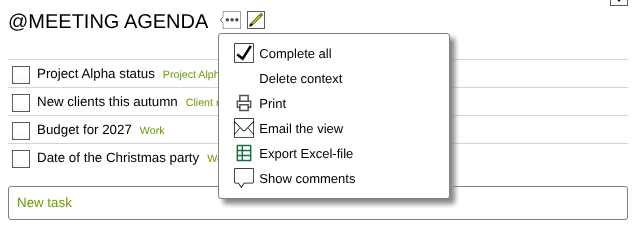 Context and tagsSee tasks from different lists in one cross-section. A task has one context, such as Phone, and as many tags as you like.
 Everything in one placeWrite comments, email in tasks and import or export lists, so that nothing is left in emails and on loose notes.
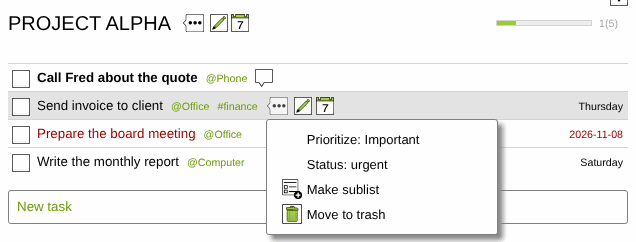 The heading's quick menuThe menu by the heading has the list's smart functions, such as moving late tasks forward, emailing the view or copying the list.
 Tips for your phoneAdd SaveYourDay as bookmarks on your phone's home screen to reach today's list or the shopping list with one tap.
Find your way in the guide
Choose an area or go straight to the feature you want to know more about.
Get started
The basics for an easier day.
Properties
Give your tasks the right information.
Overviews
See what you need to focus on.
Functions
Collect, move, reuse and save time.
Other
Get to know SaveYourDay.